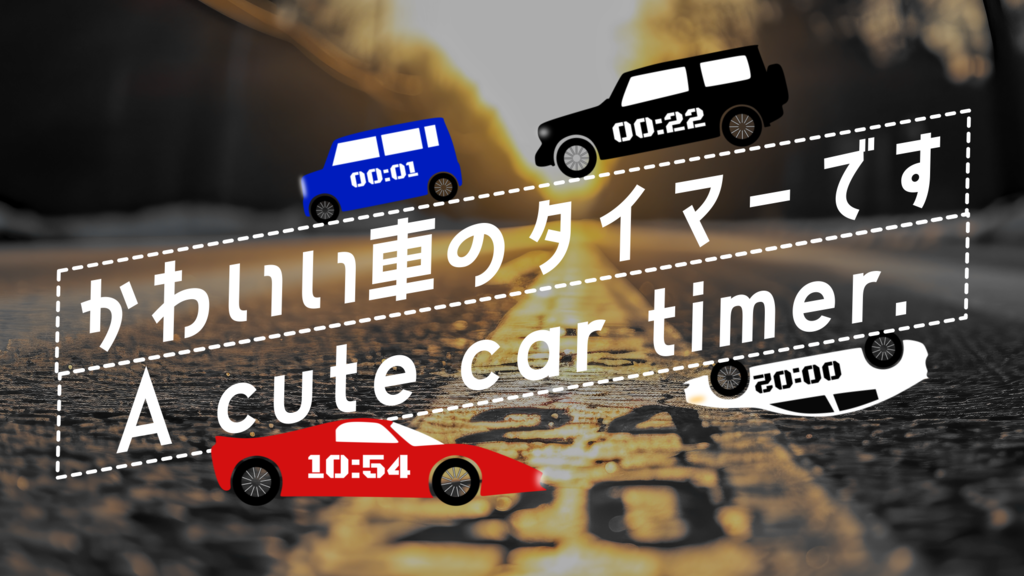
Feature-Rich Car Timer
Car Gimmicks in Action You can control the tire rotation direction (forward/reverse) and toggle the headlights on or off — all with a single checkbox. It's the kind of detail that makes your video stand out.
Highly Customizable Font, size, and color are fully adjustable, and you can even change the body (silhouette) and window colors right in the Inspector. Mix and match to fit your own video style.
Parameter List
Global
- Center: Adjust the overall position
- Zoom: Resize the entire element
- Angle: Rotate the entire element
- Flip Horizontal: Mirror left and right
Text
- Font: Choose your preferred font
- Font Size: Adjust the text size
- Text Center: Fine-tune the timer text position independently
- Tracking: Adjust letter spacing
- Text Color: Change the text color and opacity
Timer
- Start Time: Set the starting time in seconds
- Timer Mode: Select Countdown (0) or Count-up (1)
Design & Gimmicks
- Silhouette Color: Change the car body color
- Window Color: Change the window color
- Light Toggle: Switch the headlight color (Yellow / White)
- Forward/Backward: Reverse the tire animation rotation direction
- Código
- 54911470
- Tipo
- DaVinci Resolve macro
- Required software
- DaVinci Resolve
- File size
- 40.8 kB
- Licencia
- Libre de derechos