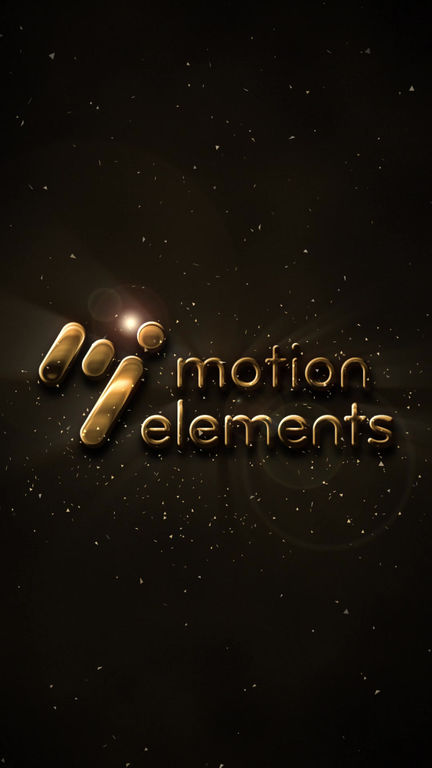
This is an After Effects logo animation template for vertical video that renders your logo with a substantial, high-quality gold metallic finish.
A massive logo slowly emerges from the darkness, accelerates, and slams into place. Upon impact, the scene erupts with camera shake, light rays, dust particles, and lens flares.
Afterward, reflections glide across the metallic surface, and a sheen sweeps across the logo—creating a weighty, premium cinematic opening sequence.
Simply swap the contents of the "Logo" composition to use your own logo. The template automatically generates a 3D look based on the logo's alpha channel,
so any logo shape is instantly transformed into metal. Metal color, background, and effect intensity can all be adjusted via a single "Control" layer.
By simply changing the color, you can switch to other metals like silver (chrome) or copper.
・Adobe After Effects 2025 (v25.2) or later
・No plugins required (uses only standard effects and expressions)
・1080 x 1920 (Full HD) / 30fps / 8-second duration (adjustable up to 60 seconds)
・Logo replacement requires editing only one composition
・Easy customization via the Control layer (3 metal color presets, background, logo size/position, bevel, thickness, reflection speed, landing timing,
camera shake, glow, sheen, light rays, dust, lens flare, grain, vignette, fade-out)
・Supports export with transparent background (alpha channel)
・Includes Japanese tutorial PDF and readme files (Japanese & English)
・Audio not included / Sample logo is for demonstration purposes only
Uses: Openings for corporate videos or company introductions, YouTube intros, brand movies, event/ceremony visuals,
premium product showcases, game or movie-style titles, etc.
- Kode
- 56426381
- Type
- After Effects模版
- Required software
- After Effects og over
- Varighet
- 00:08
- Filstørrelse
- 678.6 kB
- Lisens
- Royaltyfri
- Logo Plassholdere
- 1