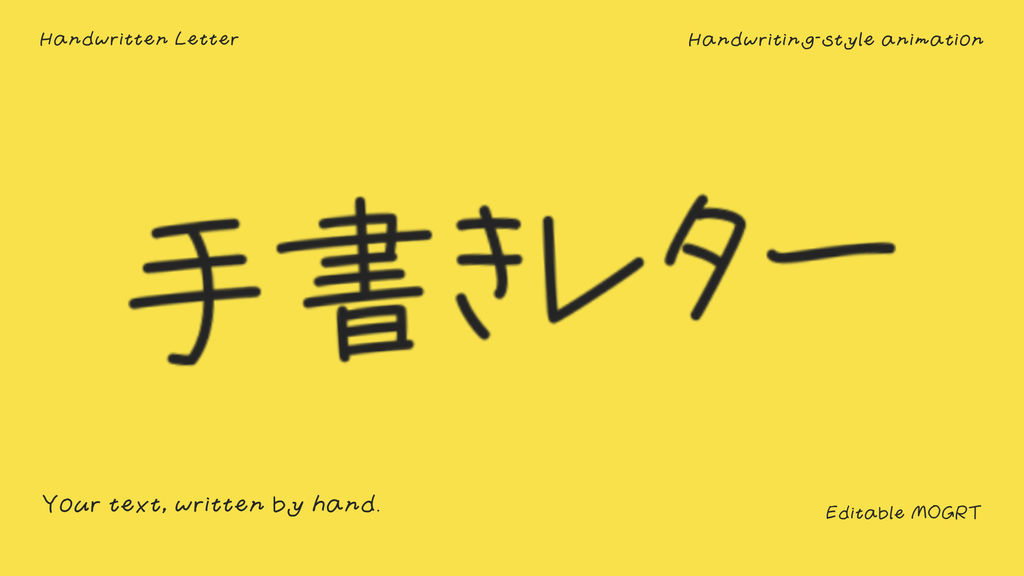
Reveal your words with a relaxed handwriting-style animation. Edit the text, color, writing duration, letter spacing, size, position, 3D angles and ending motion in Premiere Pro.
Included: one editable MOGRT and an English readme. Full HD 1920 x 1080, 30 fps, transparent background, 6-second base duration. No additional paid effect plugins required. The preview shows different settings of the same template; preview backgrounds and supporting captions are not included.
Required font: VDL PenLetter M (fixed typeface). Activate it in Adobe Fonts before importing the MOGRT: https://fonts.adobe.com/fonts/vdl-penletter . Font files are not included. The Gunyari font used for supporting captions in the preview is not required by the template.
Supports up to 64 UTF-16 units, including spaces and line breaks, with automatic wrapping after 16 units per line. Supports kana, common JIS level 1 and 2 kanji, and basic Latin letters and numbers. Emoji and unmapped characters are unsupported. Longer text scales down and writes faster. This is a stylized handwriting reveal, not a formal Japanese stroke-order animation.
Tested on Windows 11 with Premiere Pro 26.5.2 and After Effects 26.5 installed. macOS, earlier versions and computers without After Effects have not been verified.
To use: activate the required font, import the MOGRT into Premiere Pro, place it on the timeline, then change the text and controls in the Properties panel.
- Code
- 56572384
- Soort
- Motion Graphics template
- Required software
- Premiere Pro en hoger
- Duur
- 00:06
- Dimensies
- 1920px x 1080px
- Bestandsgrootte
- 8.4 MB
- Licentie
- Royalty-vrij
- Text Plaatshouders
- 1