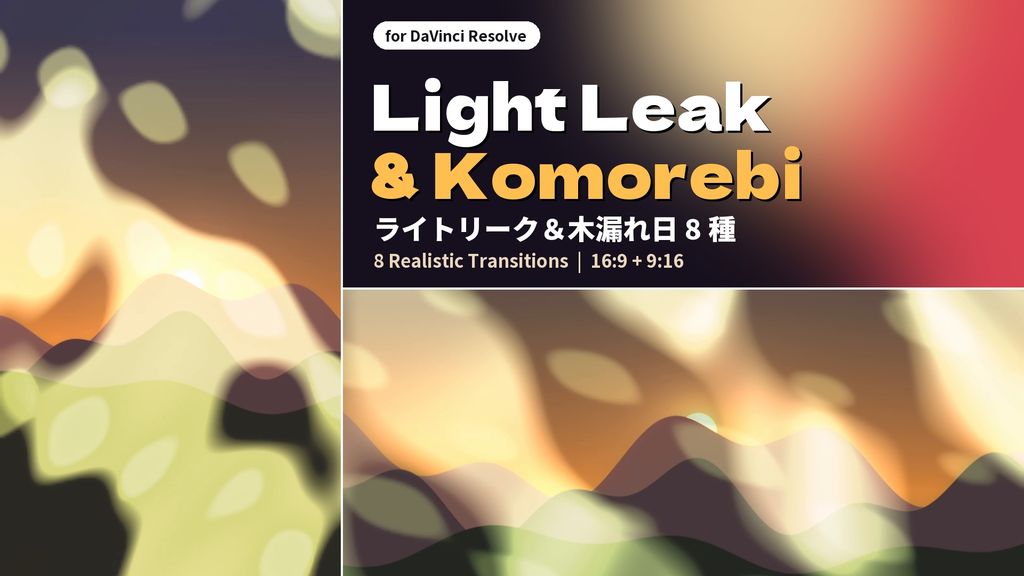
8 realistic light transitions for the DaVinci Resolve Edit page. Film-style light leaks, sun flare, golden-hour glow, dappled sunlight through leaves (komorebi), soft bokeh and a prism rainbow leak. The light sweeps in, the clip changes from A to B inside the light, and the light fades away.
- 8 types: amber light leak sweep, film burn, sun flare, golden hour, komorebi dapple, forest canopy rays, bokeh drift and prism rainbow
- Change the 4 light colors (Core / Light / Edge / Accent) in the Inspector, plus Intensity, Softness, Bloom, Exposure, Grain, Pattern Scale, Seed and Shadow
- Just drop it on a cut: the movement follows the length of the transition, drag its edge to make it longer or shorter
- Adapts to the timeline frame size: works on 16:9 (1920x1080) and 9:16 (1080x1920) timelines
- Sample project (.drp): 16:9 / 9:16 sample timelines with all 8 transitions, plus a try-out timeline (Scene A / Scene B) to drop the transitions on
- One .drfx file for installation; the transitions appear in Effects > Video Transitions > Fusion Transitions
- Tutorial PDF with every control explained
- Standard Fusion tools only: no plugins, no fonts required
- Made with DaVinci Resolve Studio 21.1.1 | Tested on the free version
Music is not included.
- Код
- 56714866
- Тип
- DaVinci Resolve template
- Необходимое ПО
- DaVinci Resolve
- Размер файла
- 1.1 MB
- Лицензия
- Без комиссий