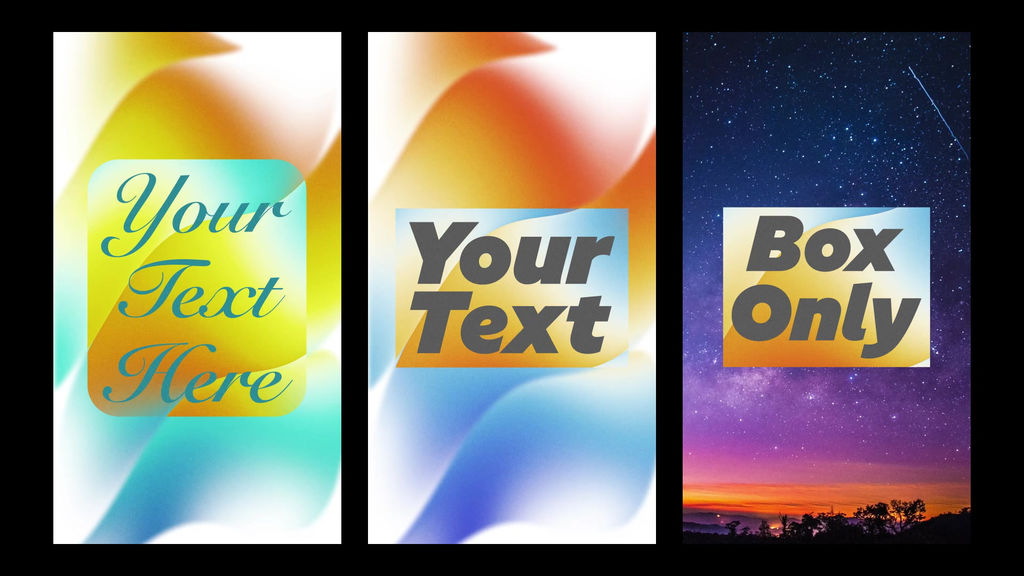
Gradient box title vertical [English]
No plug-ins required. Motion included.
Just type in your text, and the box will automatically adjust to fit!
You can also freely customize the font, color, and background On/Off.
8 seconds.
Available in Premiere Pro 2025 (ver. 25) and later.
Go to [Graphics Templates] and select【Install Motion Graphics Template】.
Import the downloaded 【.mogrt】 file.
After importing the file, search for 【gradient】 to find it.
You can adjust the text, color, position, etc. in the [Properties] panel.
- Код
- 55417957
- Тип
- 모션 그래픽 템플릿
- Required software
- Premiere Pro и выше
- File size
- 24.9 MB
- Лицензия
- Без комиссий
- Text Заполнители
- 1