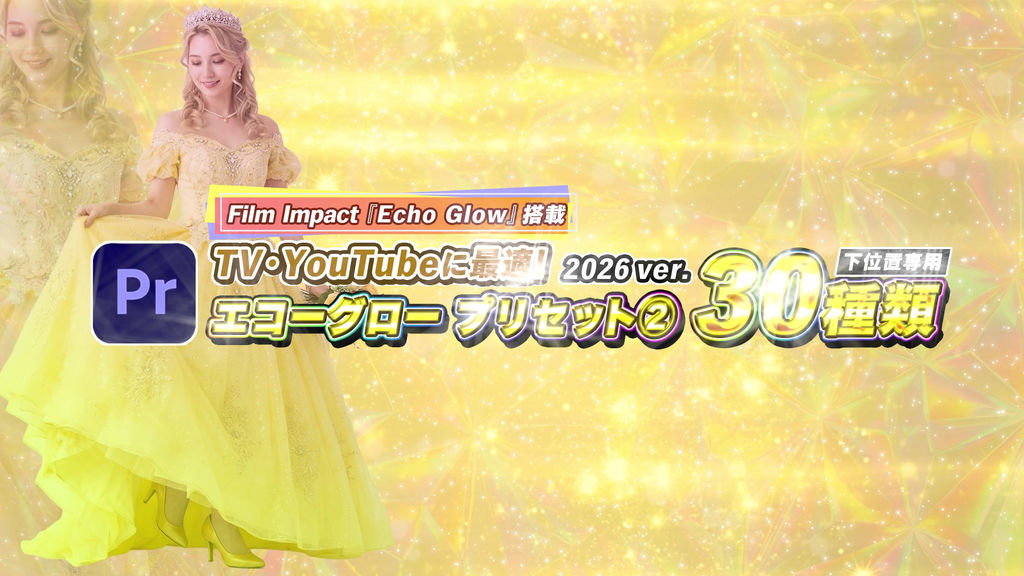
Bring Professional TV Quality to Your YouTube Channel!
The purity of "White" light. Experience cinematic elegance in seconds with a simple drag and drop.
Vol.2 focuses exclusively on "White" Echo Glow effects powered by Film Impact "Echo Glow.
" These 30 presets deliver the sophisticated, clean white afterglows often seen in high-end TV productions, corporate videos, and elegant YouTube channels.
Unlike basic glows, these presets provide a calculated, layered white trail that adds a premium feel to any text.
Specifically optimized for lower-third positioning—no manual adjustment needed!
[Contents (30 Presets)]
31. White Echo Glow (Small)
32. White Echo Glow (Medium)
33. White Echo Glow (Large + VR)
34. White Left to Right (Medium)
35. White Left to Right (Large + VR)
36. White Right to Left (Medium)
37. White Right to Left (Large + VR)
38. White Bottom to Top (Medium)
39. White Bottom to Top (Large + VR)
40. White Top to Bottom (Medium)
41. White Top to Bottom (Large + VR)
42. White Fade (Small)
43. White Fade (Medium)
44. White Fade (Large + VR)
45. White Fade Left to Right (Medium)
46. White Fade Left to Right (Large + VR)
47. White Fade Right to Left (Medium)
48. White Fade Right to Left (Large + VR)
49. White Fade Bottom to Top (Medium)
50. White Fade Bottom to Top (Large + VR)
51. White Fade Top to Bottom (Medium)
52. White Fade Top to Bottom (Large + VR)
53. White Scale Down (Medium)
54. White Scale Down (Large + VR)
55. White Scale Up (Medium)
56. White Scale Up (Large + VR)
57. White Slide Left to Right
58. White Slide Right to Left
59. White Slide L-R-L
60. White Slide R-L-R
[Features]
- Powered by Film Impact "Echo Glow" engine
- Specifically designed for elegant "White" high-quality light trails
- Includes S/M/L scaling, fades, and slide variations
- Simple Drag-and-Drop workflow for fast editing
- Specifically optimized for lower-third (bottom)positioning
━━━━━━━━━━━━━━
■ How to Use
━━━━━━━━━━━━━━
- Launch Premiere Pro
- Go to "Window" -> "Effects" in the top menu
- Click the menu icon (≡) in the top right of the Effects panel
- Select "Import Presets..."
- Import the downloaded preset file
- Place your text/graphics on the timeline
- Drag and drop your chosen preset
*Optimized for lower-third positioning only
*Requires a working Film Impact effect environment
- Код
- 54001296
- Тип
- Premiere Pro effect preset
- Required software
- Premiere Pro и выше
- File size
- 66.2 kB
- Лицензия
- Без комиссий