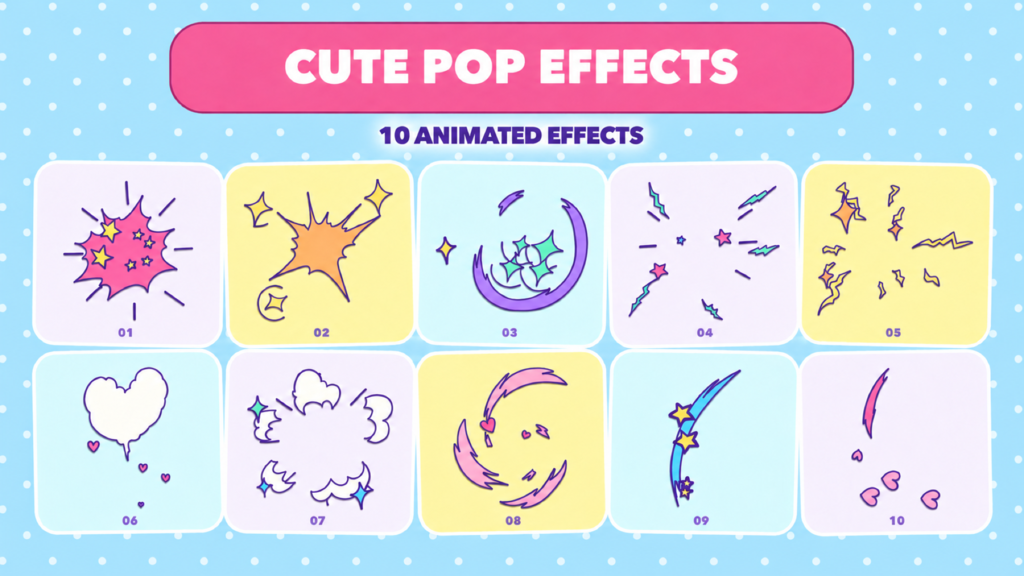
■ Animation Specifications
・Frame rate: 24fps (animated on twos / effectively 12fps motion)
■ How to Use
1. Open Pop Effects10.aep in After Effects. Please save a copy for editing before you start working.
2. In the Project panel, select the composition you want to use from 01_Effects to 10_Effects.
3. Select the "control" layer in the composition.
4. Adjust the colors with settings such as color_01 in the Effect Controls panel.
5. Place the effect composition in your own composition, then adjust the layout using the Position, Scale, and Rotation of the placed layer.
■ Color Settings
・01, 02, 05, 06, 08, 09, 10: color_01–color_03
・03, 04, 07: color_01–color_04
*The parts each color applies to differ for each asset. Please adjust while checking the preview.
■ Editing Tips
・Composition names, the "control" layer name, and effect names are referenced by expressions. If you rename any of them, please also check the references.
・If you place the same composition multiple times, changes to the original composition will be reflected in every placed instance.
・To create
- 代碼
- 56570561
- 分門別類
- After Effects template
- 所需軟體
- After Effects 及以上
- 文件尺寸
- 395.2 kB
- 授權
- 免版稅