You already have the frame — a product hero, a character portrait, a mood board still that passed review. The next step is motion, and usually sound comes later in a separate pass. Grok Imagine Video v1.5 — now available in Studio AI — turns an approved still into a short clip with native synchronized audio in the same generation. Stronger motion and physics than the earlier Grok Imagine Video line, plus clip lengths up to 15 seconds and 480p through 1080p output, give you room to test story beats before you commit to a heavier cinematic render.
[Try Grok Imagine Video v1.5 in Studio AI]
🎬 What is Grok Imagine Video v1.5?
Grok Imagine Video v1.5 is xAI's image-to-video upgrade, available inside Studio AI through the Image to video workflow. Upload a still, describe how it should move — camera, action, lighting, and the audio mood you want — then pick duration and resolution before you generate.
v1.5 preserves identity from the source frame while animating with stronger motion and physics. Ambient tone, effects, and dialogue land with the picture in one pass instead of being bolted on in post.
🔊 Where Grok Imagine Video v1.5 Performs Best
Three capability areas set v1.5 apart when you're working from a locked still.
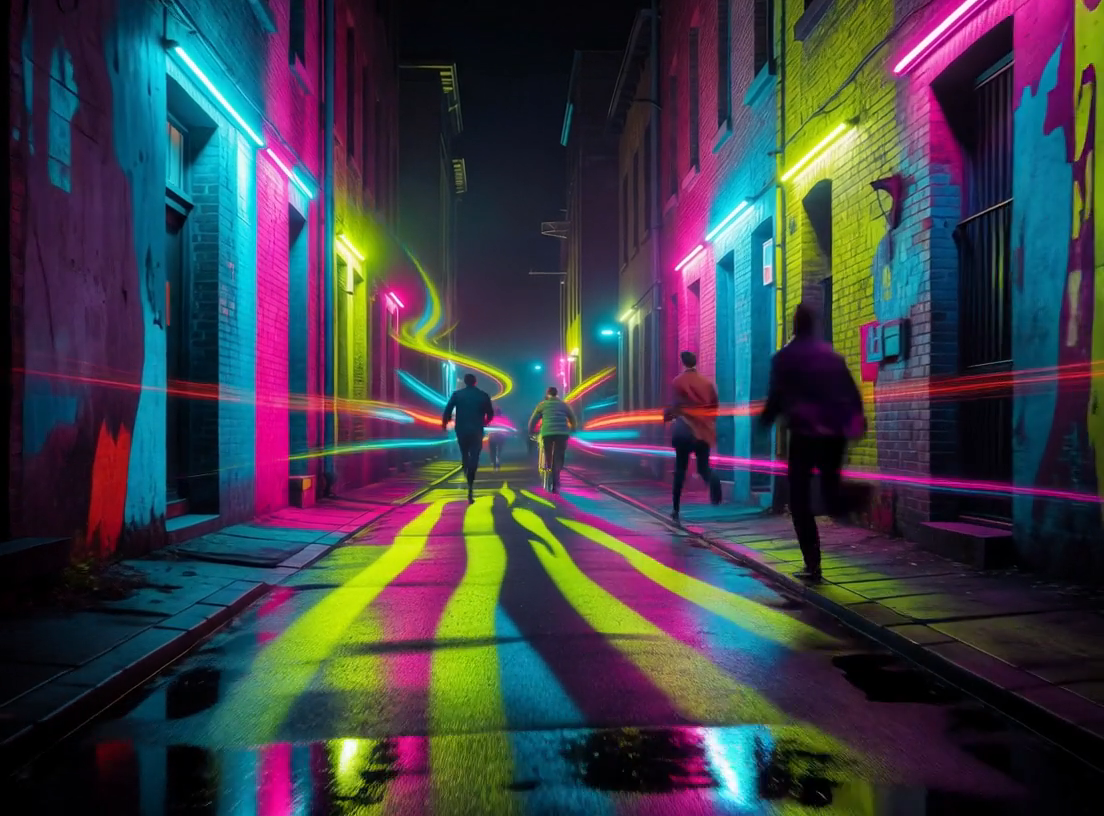
Native audio generated with the picture
v1.5 builds synchronized sound in the same pass as the video — ambient tone, effects, and dialogue arrive with the motion. For social teasers, product reveals, or atmosphere-heavy B-roll, you preview picture and sound together on the first render instead of syncing audio in a second session.
Clips up to 15 seconds for real story beats
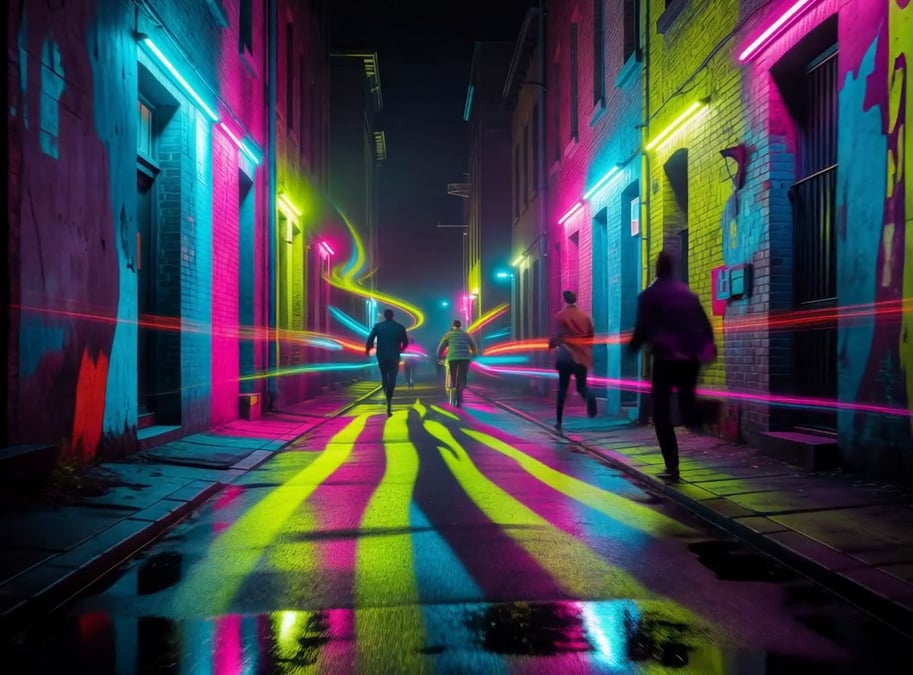
Choose 5, 10, or 15 second outputs when a quick spike is not enough — room for a camera move, reaction, or product reveal without switching models. Useful for social placements that need a complete beat, not just a motion accent.
480p to 1080p as your review stage needs it
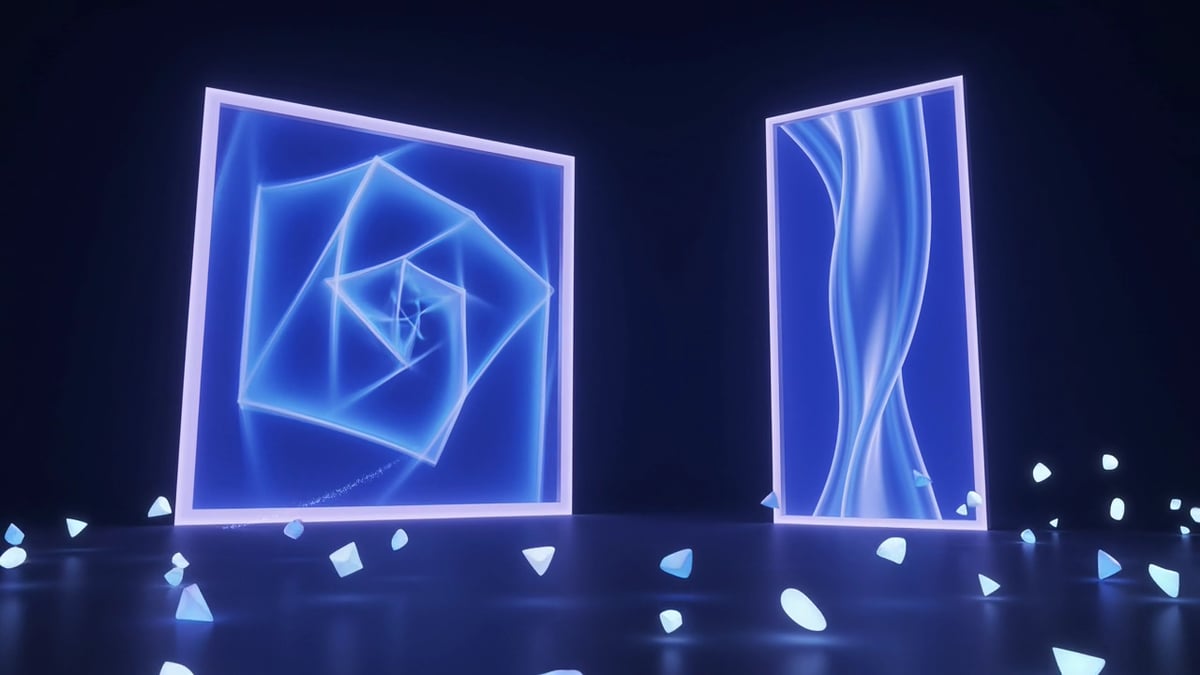
Draft at 480p for fast iteration, then step up to 720p or 1080p when stakeholders need sharper motion and texture — all inside the same Grok Imagine Video v1.5 workflow. Match resolution to where the clip sits in your review cycle, not your final delivery format alone.
[Animate a still with Grok Imagine Video v1.5]
🛠️ How to Use Grok Imagine Video v1.5
The workflow in Studio AI is three steps.
- Tell your vision — Upload your own still or pull an image directly from the MotionElements library of over 26 million videos, music tracks, sound effects, and images with a single click. Describe camera movement, subject action, lighting, and the audio mood you want — effects, ambience, or spoken tone.
- Choose your settings — Select duration (5, 10, or 15 seconds) and resolution (480p, 720p, or 1080p) to match your review stage and placement. v1.5 keeps the identity of your source frame while applying the motion you describe.
- Preview and download — Play the clip with its generated audio, refine the prompt or settings if motion or sound needs adjustment, then export when both feel aligned.
[Open Image to video with Grok Imagine Video v1.5]
✍️ Prompting Tips for Better Results
Grok Imagine Video v1.5 responds to concrete direction on both motion and sound. A few practices that tend to improve output:
- Describe camera and subject separately — "Slow dolly in on the product" and "steam rises from the cup" give the model clearer motion targets than a single vague "make it cinematic."
- Layer audio intent into your prompt — Add what the scene should sound like: "soft café ambience," "wind across an open field," or "quiet dialogue, warm and close." Sound is generated in the same pass — spell out the mood.
- Match duration to the beat — A 5 second clip suits a quick product accent; 10 or 15 seconds give room for a camera move and reaction. Pick length before you render rather than expecting to extend later.
- Draft low, deliver high — Start at 480p to test motion and audio alignment, then re-render at 720p or 1080p once the prompt is locked. Saves Coins on exploratory passes.
- Protect identity with a strong source still — v1.5 preserves faces and product details from the uploaded frame. Start from a still that already passed your visual review.
🎯 Is Grok Imagine Video v1.5 Right for Your Project?
Grok Imagine Video v1.5 is built for creators who have an approved still and need motion plus synced sound in one workflow. It's a strong fit if your work includes:
- Product and brand teasers where ambience and motion need to feel cohesive from the first preview
- Social cuts that need 5–15 second story beats with native audio, not a silent draft plus a separate sound design pass
- Concept animation from key art, mood boards, or AI-generated stills before a heavier cinematic model
- Internal review cycles where you want to test motion and sound at lighter resolutions first
In Studio AI, Grok Imagine Video v1.5 is available in Image to video only — for text-only generation, compare other models in the Text-to-video tool. If your priority is net-new scenes from a written brief alone, a text-to-video model may be the better starting point.
[Try Grok Imagine Video v1.5 now]
※ Commercial use of AI-generated media depends on your Studio AI plan and the applicable licensing terms. Review the latest licensing information in your account before delivering generated clips to clients.