If you are currently subscribed to the MotionElements Pro Plan, you already enjoy unlimited stock library downloads. But are you taking full advantage of your monthly 1,000 AI Coins?
Every month, your AI Coin balance automatically refills, giving you access to cutting-edge AI generation engines (including Seedance, Kling, Nano Banana, Gemini Omni, Krea, and more).
⚠️ Important: Unused AI Coins do not roll over to the next month—they expire when your billing cycle resets!
To help you maximize your creative output, here are 6 practical use cases to cut your video production time and budget using Studio AI.
6 High-Impact Use Cases to Maximize Your AI Coins
1. Transform Still 2D Stock Images into Dynamic Video Clips
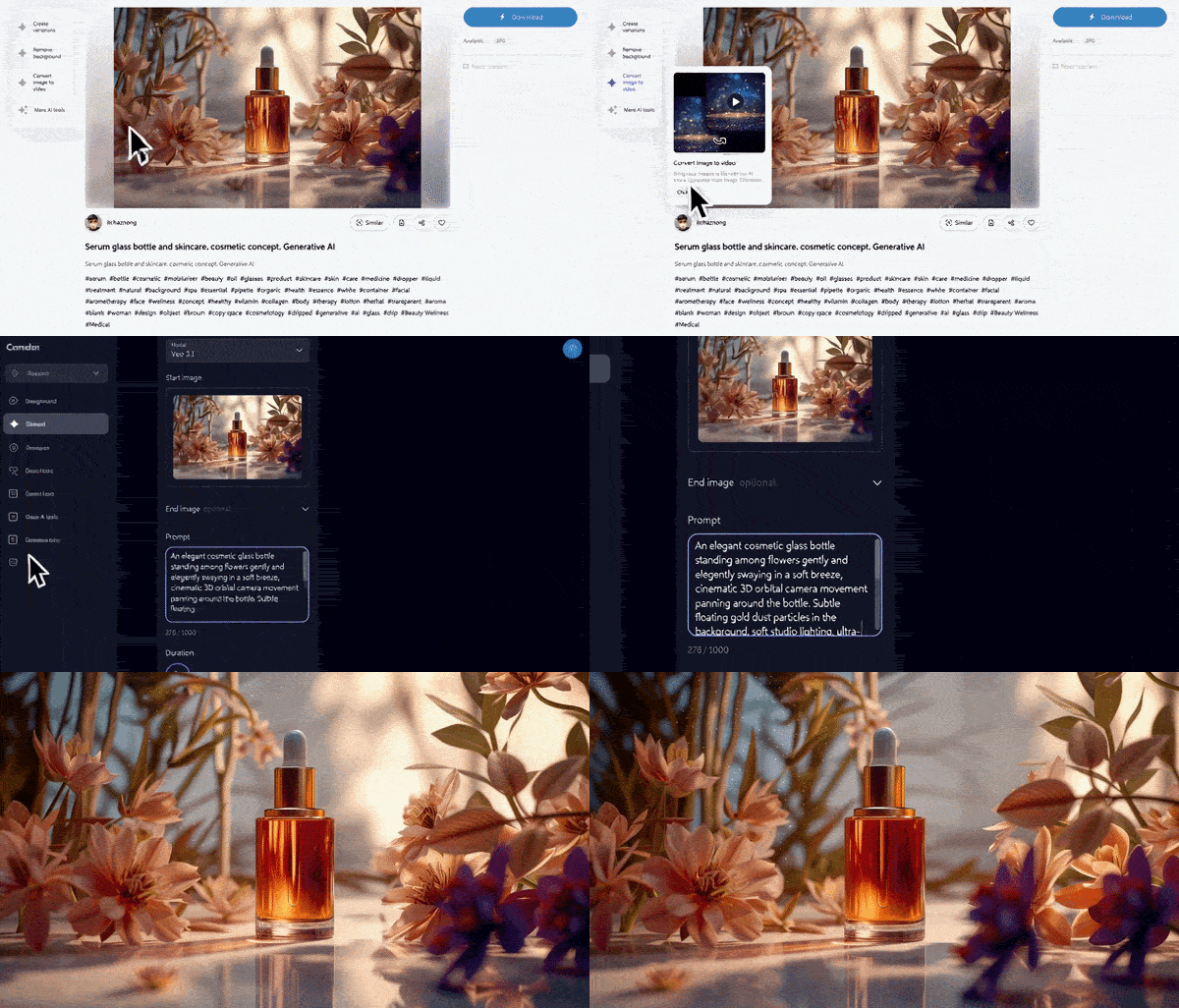
- The Pain Point: You found the perfect stock photo, but your timeline demands a moving, high-energy clip for short-form video (Reels, TikTok, Shorts).
- The AI Solution: Jump straight from the stock image page into AI Convert Image-to-Video with a single click. Add realistic 3D camera movements, subtle ambient motion, or dynamic lighting shifts to static images in seconds.
2. Create Rare & Custom Visuals with Generate Video
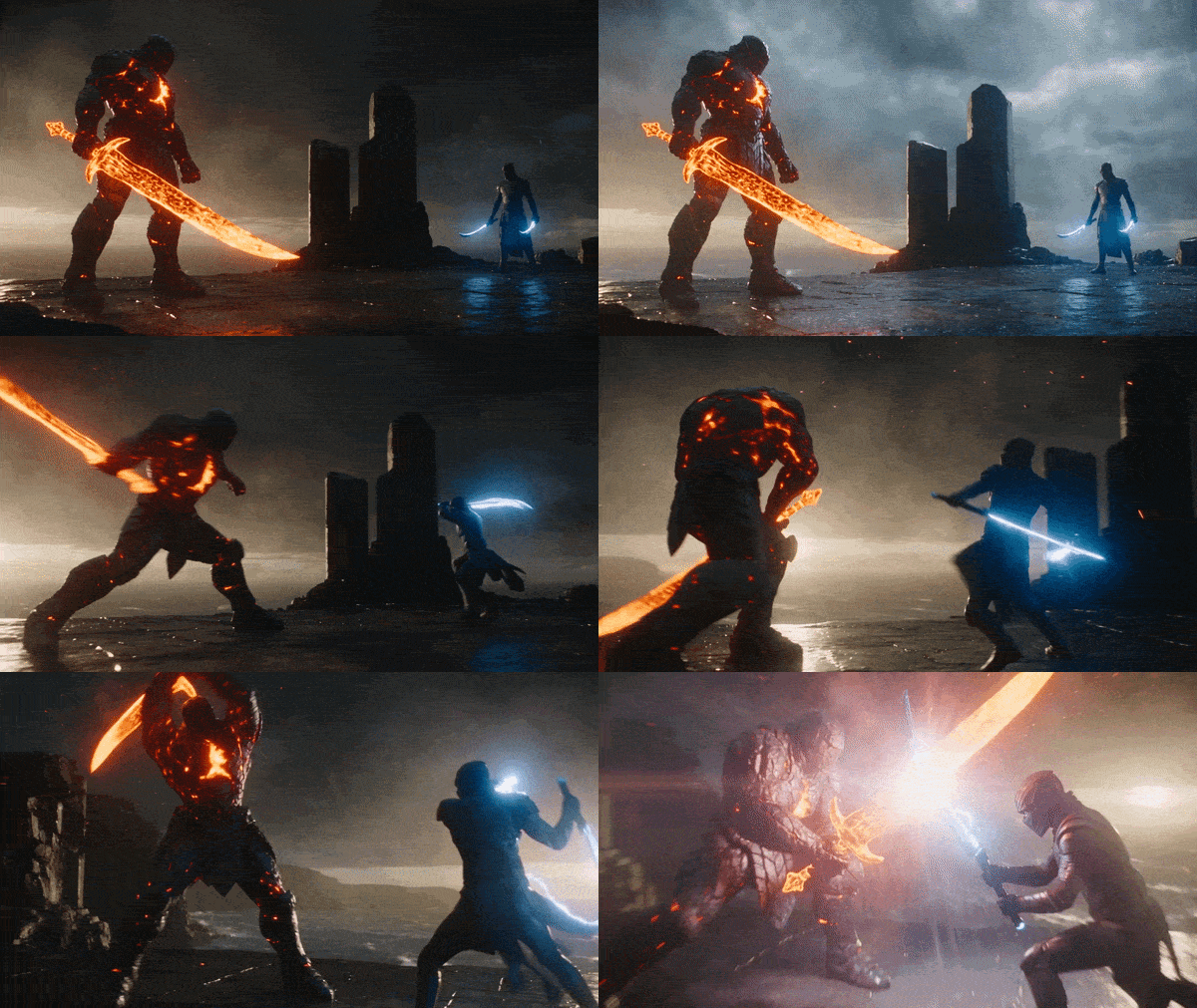
- The Pain Point: Stock libraries fall short when you need ultra-niche or specific visuals—like "Dark fantasy anime action sequence" or "Astronaut cat sipping coffee."
- The AI Solution: Generate one-of-a-kind B-roll using single-line text prompts powered by top-tier Text-to-Video models. You can also upload reference images to maintain consistent character design or scene aesthetics across shots.
3. Tailor Talent & Demographics with AI Swap Face

- The Pain Point: A stock clip has the perfect lighting and composition, but the model’s age, ethnicity, or expression doesn't match your target market.
- The AI Solution: Use precision AI Face Swap to modify key subject features instantly. Adapt assets for global localized campaigns without spending hours searching for alternative footage or organizing costly reshoots.
4. Re-Style & Color-Grade Stock Assets Instantly

- The Pain Point: A stock clip matches your shot list, but its color palette, lighting, or artistic style clashes with your brand identity or seasonal campaign.
- The AI Solution: Apply AI Create Variations to transform live-action footage into anime styles, cinematic film looks, or brand-aligned color grades in a few clicks.
5. Match Music Duration Automatically
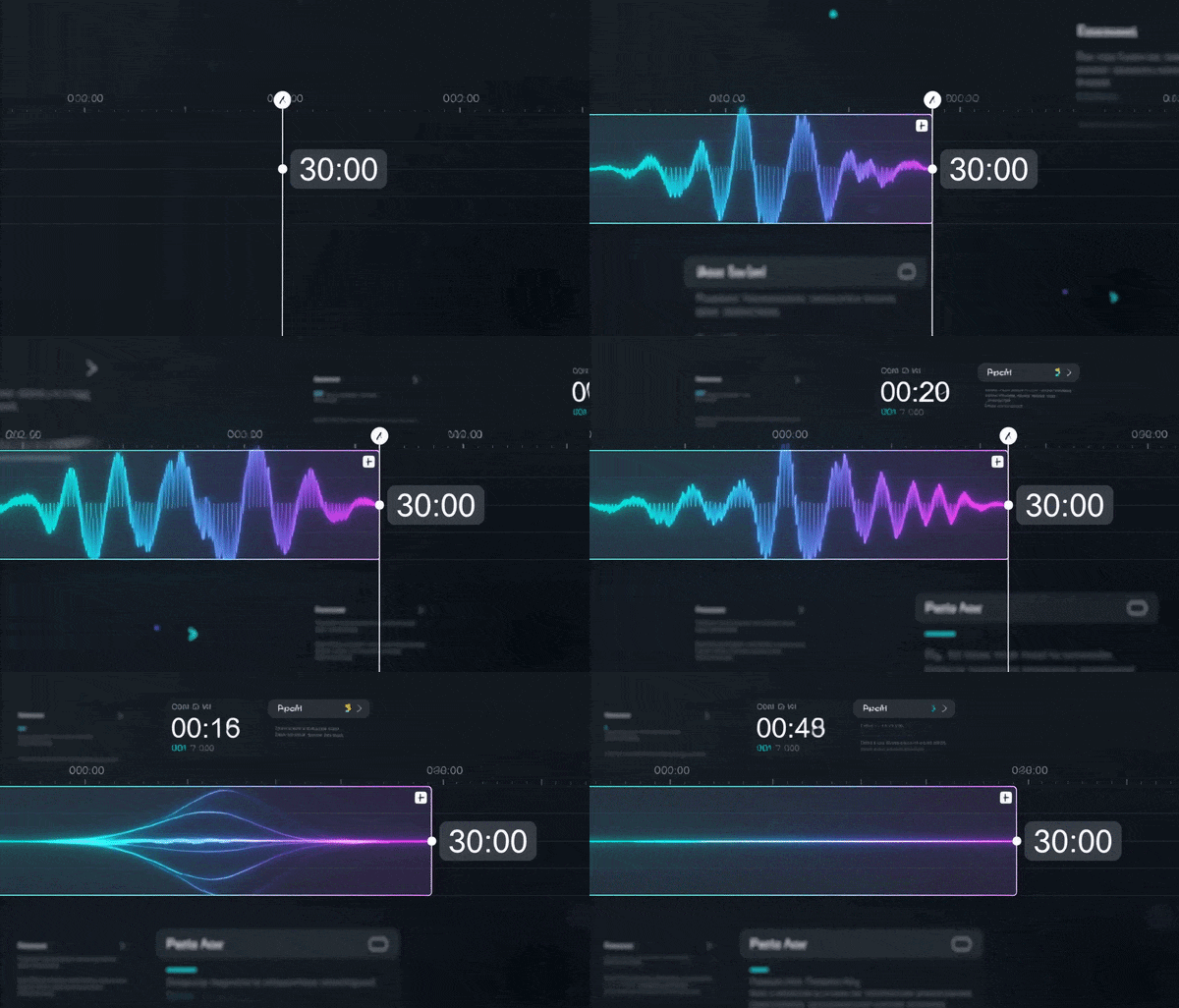
- The Pain Point: Manually slicing, looping, and fading background tracks to fit 15-second or 30-second ad cutdowns often leaves music edits sounding abrupt or unnatural.
- The AI Solution: Leverage AI Adjust music duration to re-structure BGM tracks. The AI preserves natural beats, tempo, and song structure while trimming the track to your exact video duration.
6. Restore Low-Res Footage with 4K AI Upscale video
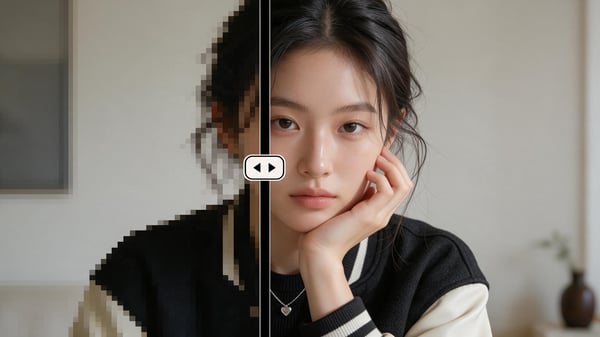
- The Pain Point: Client-provided assets, archive clips, or HD stock footage look pixelated and soft when placed in a 4K project timeline.
- The AI Solution: Run AI 4K Upscaling with a single click to intelligently remove noise, restore fine textures, and crisp up details for seamless high-definition editing.
🎁 Test Your 1,000 Monthly AI Coins Today!
Don't let your unused coins expire before your monthly cycle resets. Upgrade your visual production, speed up your post-production pipeline, and explore what’s possible with Studio AI.