The first hours of any visual project are a race — you need to test palettes, compositions, and art directions faster than the ideas go stale, and most image models make you wait on heavyweight renders for every rough concept. Worse, many of them flatten everything into the same recognizable AI finish that slows creative review before the conversation even starts. Krea 2 Turbo, now available in [MotionElements Studio AI], is built for exactly that early stage: high-fidelity stills in seconds, with a style range wide enough to keep your moodboards from looking generic.
⚡ What Is Krea 2 Turbo?
Krea 2 Turbo is the speed-optimized variant of Krea 2, a text-to-image model from Krea AI designed for rapid ideation, expressive illustration, and style-driven concept work. It uses a distilled sampling schedule, which means generations complete in seconds — built for prompt testing, layout exploration, and batch concept passes rather than slow, polished renders.

🎨 Where Krea 2 Performs Best
Krea 2 earns its place in your workflow in three areas:
Fast ideation without the generic AI look.
Krea 2 Turbo keeps the expressive visual range of the Krea 2 family while running multiple times faster. You can test prompts, palettes, and composition ideas in a tight loop — the distinctive art direction stays, only the wait disappears.
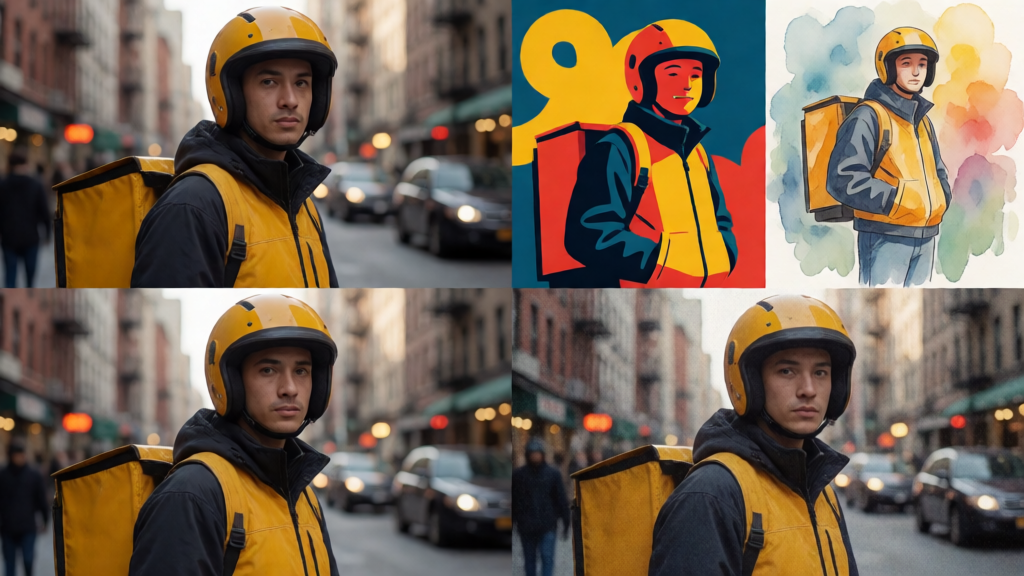
Photoreal to illustration in one model.
From photoreal portraits and textured editorial stills to bold graphic posters, manga ink, watercolor washes, and grainy VHS moods — Krea 2 handles a wide style spectrum without defaulting to sameness. One model covers your moodboards, pitches, and campaign directions.
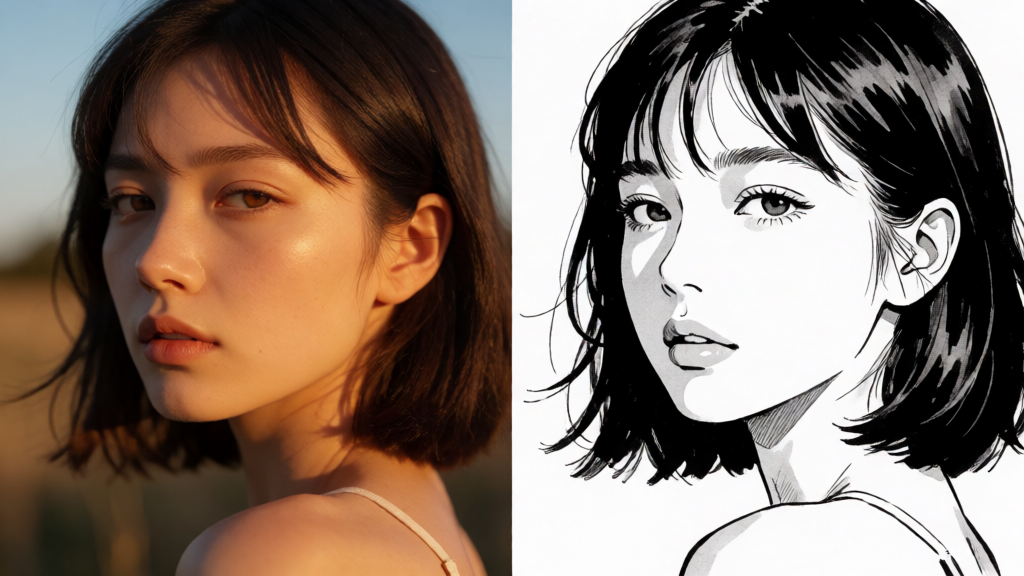
Low-cost iteration before your polish pass.
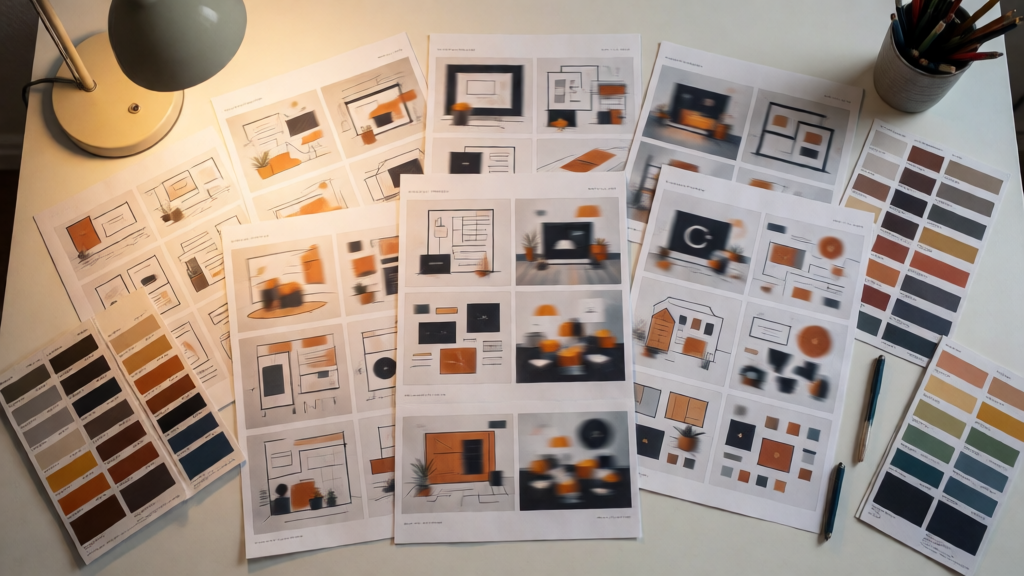
Turbo mode is tuned for affordable batch exploration: generate up to 4 variations per request, compare layouts side by side, and lock a direction before you invest in a higher-fidelity pass with a quality-biased model or an export stage.
✍️ How to Write Prompts That Get Results
Krea 2 Turbo responds well to clear style direction. Concise prompts work, but specific art-direction language helps lock the mood faster.
When writing your prompt, describe:
- Subject — what's in the frame and what it's doing
- Palette — dominant colors, contrast, warmth or coolness
- Style reference — photoreal, editorial, manga ink, watercolor, retro VHS
- Composition notes — framing, negative space, focal point
Because generations complete in seconds, treat prompting as a conversation: run a batch, note what the model locked onto, adjust one variable, and run again. Three or four passes usually lands a direction worth presenting.
▶️ The Three-Step Workflow in Studio AI
Getting from idea to export-ready stills is a short process:
- Tell your vision — write a prompt with subject, palette, and composition notes
- Choose settings — pick aspect ratio and output count, up to 4 images per request for quick A/B comparisons
- Download — preview generations instantly, refine the prompt or settings, then download the frames that fit your moodboard, pitch, or campaign direction
No design or retouching experience required — natural language and a few fast passes get most explorations to a presentable state.
[Start generating with Krea 2]
✅ Is Krea 2 Right for Your Project?
Krea 2 Turbo is the model you reach for when speed and style exploration matter more than maximum polish. It's a good fit if you're working on:
- Moodboards and campaign direction explorations
- Pitch visuals and concept drafts under a deadline
- Expressive illustration in manga, watercolor, or retro styles
- Batch A/B comparisons before committing to a final look
For maximum photoreal polish or typography-heavy packaging renders, Studio AI also offers quality-biased models like GPT Image 2 and Seedream that you can compare outputs against in the same tool.
Commercial use of generated media depends on your Studio AI plan and the applicable terms. Review the current licensing conditions in your account before delivering generated assets to clients.