Most AI video tools force a trade-off: get motion, then bolt on sound afterward, or accept a five-second loop and call it done. Neither option holds up when the brief calls for an actual story beat — a product reveal with a line of dialogue, a social spot with ambience that matches the cut. Seedance 2.5, now available in [MotionElements Studio AI], is ByteDance's answer: synchronized picture and sound, generated together, in cuts up to 30 seconds.
[Try Seedance 2.5 in Studio AI]
🎬 What Is Seedance 2.5?
Seedance 2.5 is ByteDance's next-generation video model, built for longer-form storytelling rather than quick loops. It generates audio and video in a single pass — dialogue, ambience, and motion land together instead of being stitched from separate passes. Compared with Seedance 2.0, it pushes further on three fronts: extended runtimes, joint audio-video output, and richer multimodal reference control.
It sits inside Studio AI's existing video workflows — no separate platform to learn. Select it from the video generator, describe your story (or start from a still), and export.
📦 Where Seedance 2.5 Performs Best
Not every video model is built to carry a full narrative beat. Seedance 2.5 earns its place in three areas:
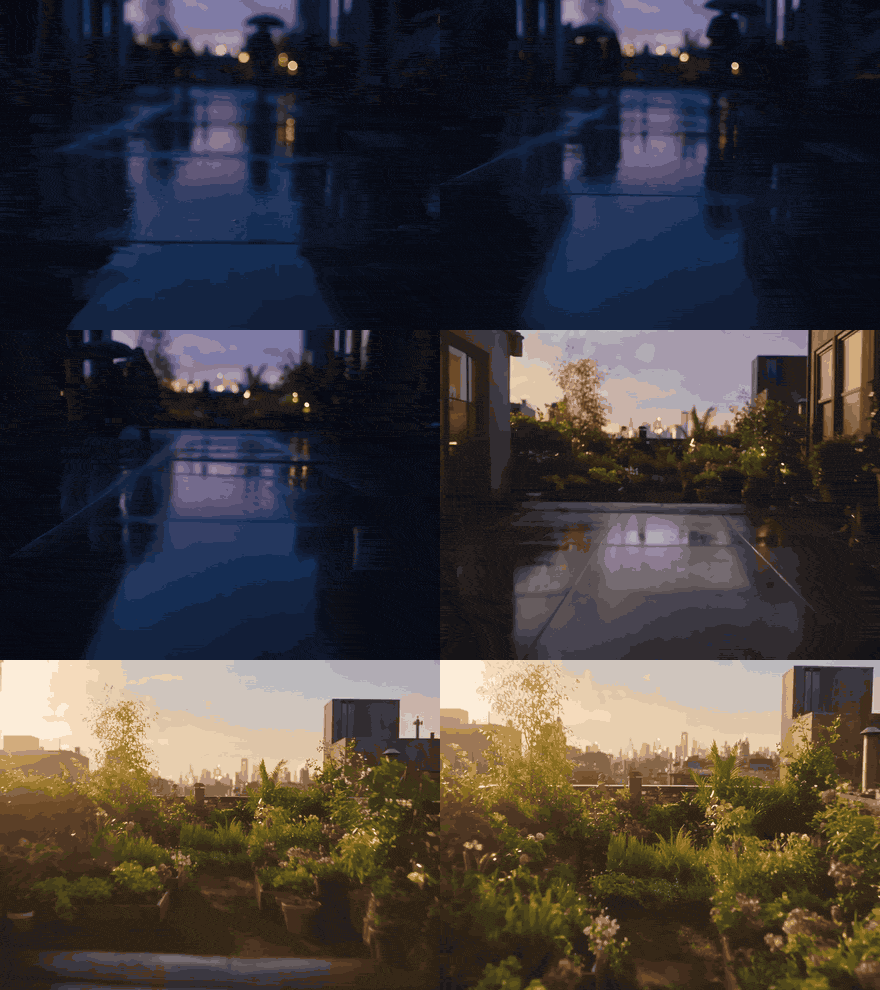
Up to 30 seconds of audio and video in one pass.
Native audio-video generation keeps dialogue, ambience, and motion aligned without stitching separate passes together in post. That's the difference between a quick five-second loop and a clip with room for a camera move, a reaction, and a payoff — useful for narrative beats, product stories, and social spots that need more runway.
Multimodal references that steer the whole cut.
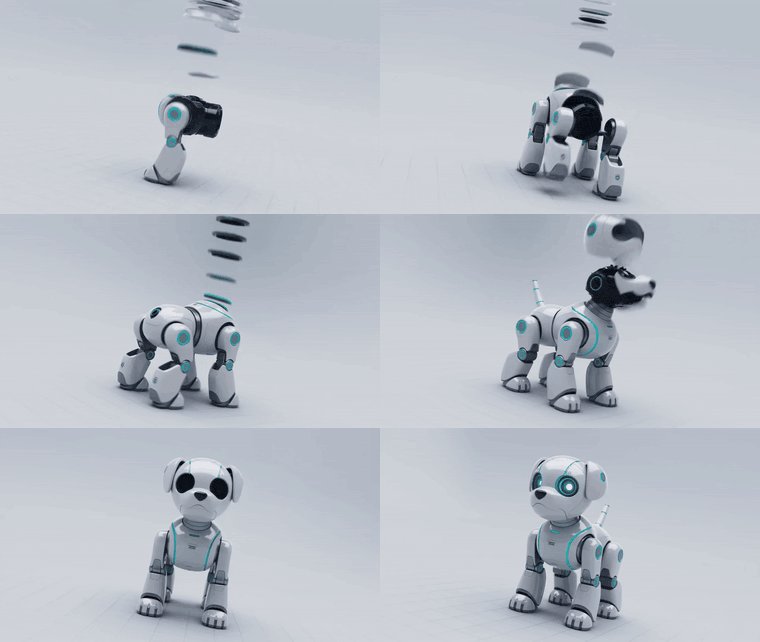
Guide look, motion, and mood with reference stills, short clips, and audio cues — so a brand board or shot list informs the output directly, not just a text description of it. If you're working from an established visual identity, this is where Seedance 2.5 stays on-brief instead of drifting.
Formats and durations for every delivery channel.
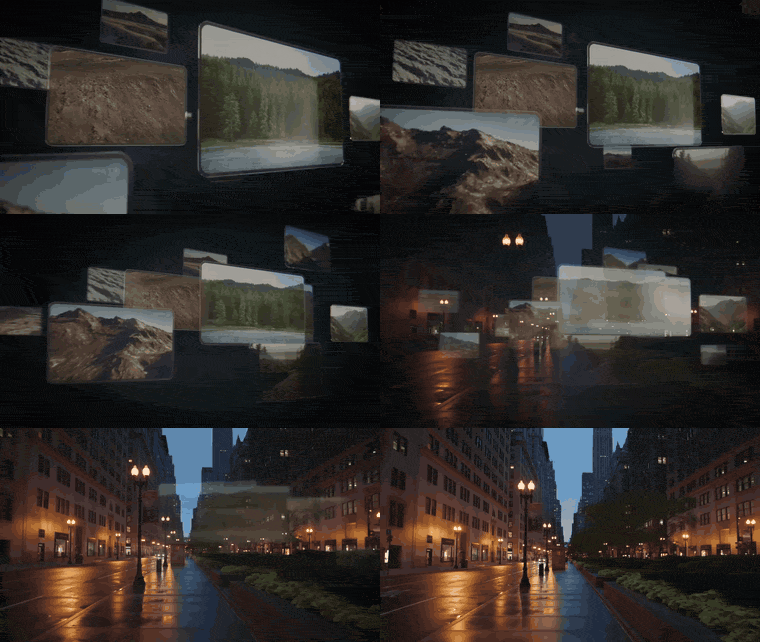
Choose aspect ratios from vertical social (9:16) through square and standard formats to ultrawide (21:9), and duration tiers from 5 up to 30 seconds — no extra reframing after export.

✍️ How to Write Story Briefs That Get Results
Seedance 2.5 responds to direction the way a director's brief would, not a single-line prompt. When you're describing your story, cover:
- Scene action — what happens, and in what order, over the run of the clip
- Camera and motion — pans, holds, reveals — describe movement the way you'd brief a camera operator
- Audio — dialogue lines, ambience, and sound effects you want generated in sync with the picture
- Reference assets — a still, short clip, or audio cue when you want tighter control over subject, motion, or mood
- Delivery spec — the aspect ratio and duration for the channel you're cutting for
If you're starting from an existing still, open image-to-video and attach your references there — Seedance 2.5 reads them as steering input for the shot, not just a mood board sitting off to the side.
▶️ The Three-Step Workflow in Studio AI
Getting from brief to a review-ready cut is a short process:
- Tell your vision — write what should happen on screen, or upload a still and add reference images, clips, or audio when the tool exposes those fields
- Choose your settings — set duration (5 to 30 seconds), aspect ratio, and resolution to match your delivery channel
- Download or iterate — preview the render with generated audio, refine the prompt or settings, then export
No separate audio pass, no manual sync work — picture and sound come out of the same generation.
On a subscription? You've got 1,000 AI coins every month to try it with.
✅ Is Seedance 2.5 Right for Your Project?
Seedance 2.5 is the model you reach for when the story needs more than one beat and the sound needs to land with the picture. It's a good fit if you're working on:
- Narrative beats, product stories, or social spots that need more than a quick five-second loop
- Cuts where dialogue, ambience, or sound effects need to stay in sync with the motion
- Campaigns that need to stay on-brief using reference stills, clips, or audio cues
- Multi-channel delivery — vertical social through ultrawide — without reframing after export
Seedance 2.5 currently renders up to 720p. If your project needs maximum resolution over runtime or native audio, Seedance 2.0 — also available in Studio AI — supports up to 4K and keyframe-driven image-to-video with optional end frames.
Commercial use of generated media depends on your Studio AI plan and the applicable terms. Review the current licensing conditions in your account before delivering generated assets to clients.
[Explore Seedance 2.5 on MotionElements Studio AI]
※ Seedance 2.5 is available now through the text-to-video and image-to-video workflows in Studio AI. Select the model, describe your story or upload a still, and export a synced audio-video cut.