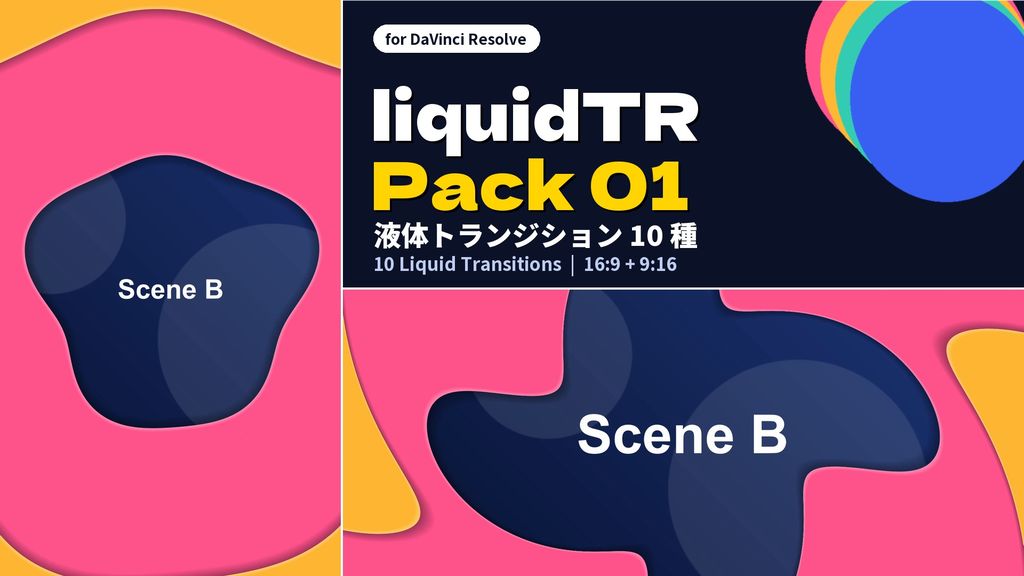
10 liquid-style transitions for the DaVinci Resolve Edit page. Layers of colored liquid flow across the screen, cover it, and the clip changes from A to B underneath.
- 10 shapes: wave wipe, paint drip, rising liquid, blob burst, goo splash, diagonal flow, swirl, rising bubbles, side merge and corner ripple
- Change the colors of the 4 liquid layers in the Inspector (Color 1-4), plus Wobble (wavy edge), Gloss (highlight) and Shadow
- Just drop it on a cut: the movement follows the length of the transition, drag its edge to make it longer or shorter
- Adapts to the timeline frame size: works on 16:9 (1920x1080) and 9:16 (1080x1920) timelines
- Sample project (.drp): 16:9 / 9:16 sample timelines with all 10 transitions, plus a try-out timeline (Scene A / Scene B) to drop the transitions on
- One .drfx file for installation; the transitions appear in Effects > Video Transitions > Fusion Transitions
- Tutorial PDF with every control explained
- Standard Fusion tools only: no plugins, no fonts required
- Made with DaVinci Resolve Studio 21.1.1 | Tested on the free version
Music is not included.
[Transitions]
LTR01 WaveWipe
LTR02 PaintDrip
LTR03 LiquidRise
LTR04 BlobBurst
LTR05 GooSplash
LTR06 DiagonalFlow
LTR07 LiquidSwirl
LTR08 BubbleRise
LTR09 SideMerge
LTR10 CornerRipple
- Kode
- 56690359
- Type
- DaVinci Resolve模板
- Påkrævet software
- DaVinci Resolve
- Filstørrelse
- 936.9 kB
- Licens
- Licensfri