
Premiere Pro Premiere Pro
Over 20,000 professionelt designede introtitler, tekstovergange, diasshows, motion graphics (MOGRT) skabeloner
Kategorier
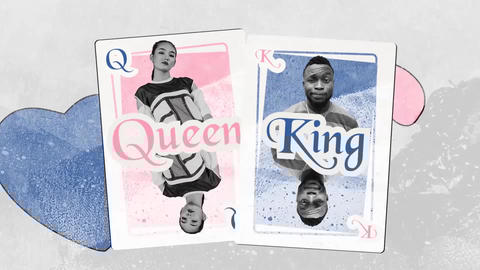
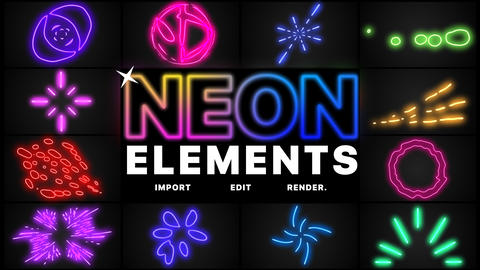
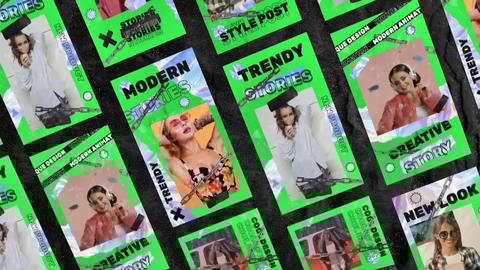

Stilarter







Det bliver nemmere at lave video her
Nem licensering
Buy once for unlimited uses in all commercial and personal projects across all platforms.
Nem tilpasning
Træk og slip billeder og videoer, og rediger tekstholdere på en nem måde.
Musik match
Vores AI AudioSearch foreslår automatisk soundtracks, der passer bedst til dine videoskabeloner.
Ofte stillede spørgsmål
Har du flere spørgsmål? Få svarene fra vores Hjælpecenter eller Kontakt os
Premiere Pro is a video-editing software developed by Adobe Inc. The Premiere Pro template is its pre-constructed project with some customizable components in it.
You will often find three types of resources available: 1) Premiere Pro template, 2) Motion Graphics template and 3) Effect preset.
The Premiere Pro template will come with a Premiere Pro project file. You can create a whole video by simply replacing image/video assets or changing the intensity of effects within it.
The Motion Graphics template is a file type (.mogrt) of motion-graphic elements (e.g., animated texts, icons) which have been created principally with After Effects with the aim of modifying it easily in Premiere Pro. (It can also be created with Premiere Pro although this is less common.) With MOGRT, you can customize complex motion-graphic contents simply by reconfiguring their elements (e.g., retyping texts, changing colors, replacing fonts).
The Effect preset is a file of one effect or a combination of effects. An Effect preset comes with a file with extension “prfpset.” You can import it to the “Effects” panel of a Premiere Pro project and use it by a drag and drop to assets placed in a sequence just like other generic effects. Color grading, image transitions and text effects are those found most frequently in this file type.