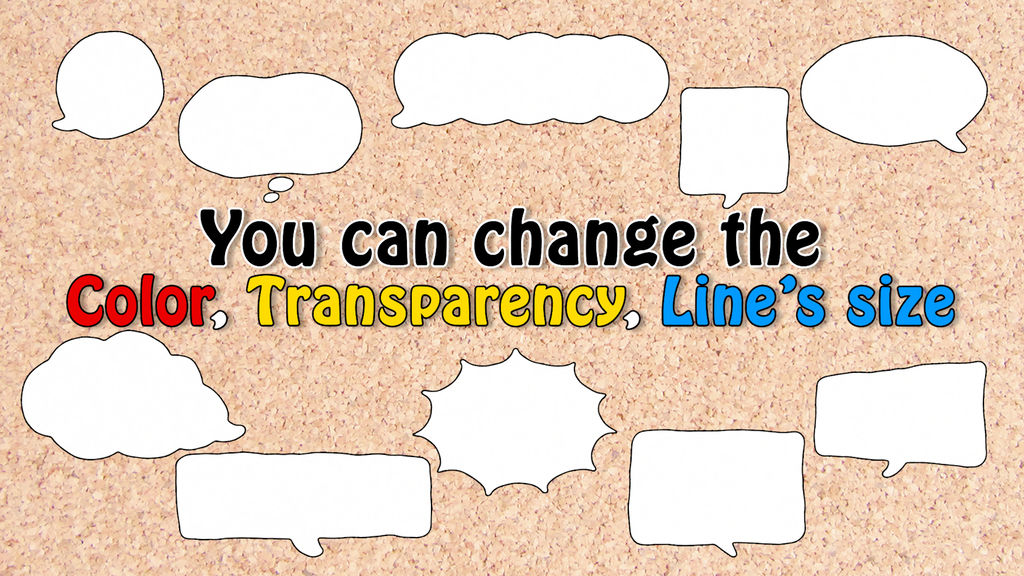
Great versatility! 10 packs of pop frames
Great versatile! 10 pack of pop frames.
Point:
1. Color
2. Frame size
3. Transparency
can be changed freely.
I think you can use it in a variety of situations.
For Premiere:
1. Select "Graphic" → "Install Motion Graphics Template" from the menu.
2. In the "Open" window that opens, specify the folder and file and click "Open".
*You can also install template files by dragging and dropping them into the Essential Graphics window.
3. It will be installed as a template in the "Essential Graphics" panel.
4. You can use it by dragging and dropping it onto the timeline.
- Kode
- 28698632
- Type
- Motion Graphics template
- Required software
- Premiere Pro og derover
- Filstørrelse
- 2.2 MB
- Licens
- Licensfri