■ Product Description
Thank you for visiting!
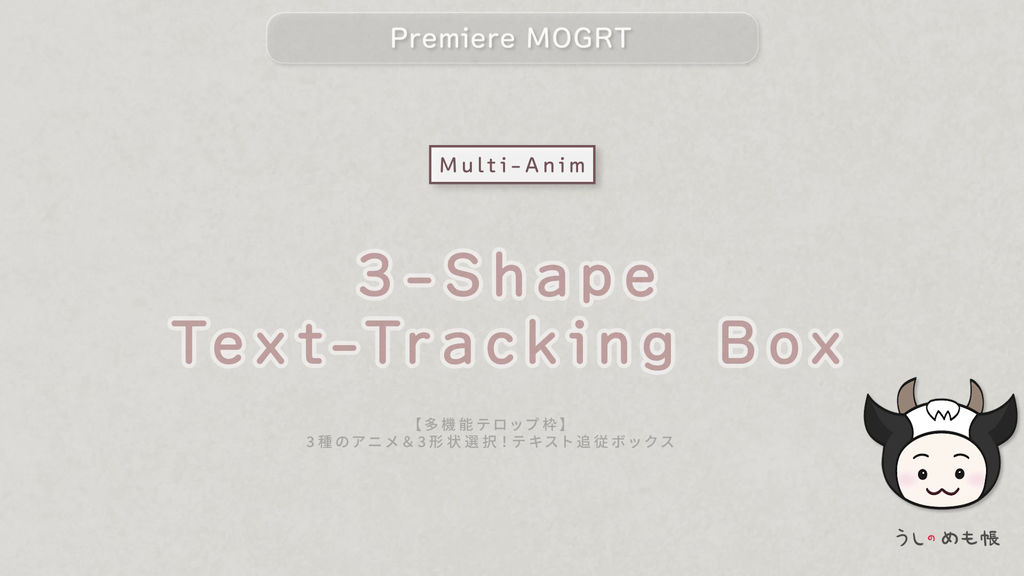
This is a versatile, multi-purpose text box (MOGRT) that automatically resizes to fit the length and number of lines in your text.
Its simple, center-aligned design makes it ideal for a wide range of uses — as a caption base for tutorial videos, an emphasis frame, or a title foundation.
[ Key Features ]
・ Responsive Design (Time): Intro/outro animation speeds remain consistent even when you change the clip duration.
・ Text Auto-Tracking: The frame automatically expands and contracts while maintaining clean, even padding based on character and line count.
・ 3 Shape Types: Choose from "Free" (follows text), "Square", or "Circle".
・ 2 Animation Types: Switch between Pop-up, Scale(plus an Off option) with a single click to match your video's pacing.
・ Vertical Alignment Control: Includes a "Y Offset" slider to perfectly center different fonts that vary in height.
Expressions have been universalized to ensure error-free performance in any language version of Adobe Premiere Pro.
[ Control Panel Items ]
[ 01_GLOBAL ]
Overall Scale
Overall Position
[ 02_TEXT ]
Source Text
Text Alignment
Text Color
Tracking
Text Y Offset
Stroke Color
Stroke Width
[ 03_BOX STYLE ]
Shape Type
Box Color
Box Color Opacity
Outline Color
Outline Width
Padding
Corner Roundness
[ 04_SHADOW ]
Shadow Color
Shadow Opacity
Shadow Offset
Shadow Angle
Shadow Softness
[ 05_ANIMATION ]
Animation Type(PopUp / Scale / Off)
■ Contents
Multi-Anim_3-Shape_Box.mogrt
README.pdf
■Specifications
Resolution: 1920×1080 (Full HD)
Frame Rate: 29.97 fps (Recommended)
Software: Adobe Premiere Pro 2026 or later
Font: Source Han Sans JP / Noto Sans Japanese (Adobe Fonts)
Feel free to change to your favorite font.
■How to use
Premiere Pro 25.0 or later: Import via the Graphics Templates panel (Window > Graphics Templates).
For detailed instructions, refer to the official Adobe Help page:
https://helpx.adobe.com/premiere-pro/using/motion-graphics-templates.html
Last Updated: 2026/09/15
Created by: Ushi no Memochō (Ushimemo)
- Code
- 56530764
- Typ
- Motion Graphics template
- Required software
- Premiere Pro und höher
- Dauer
- 00:07
- Abmessungen
- 1920px x 1080px
- Dateigröße
- 79.9 kB
- Lizenz
- Lizenzfrei