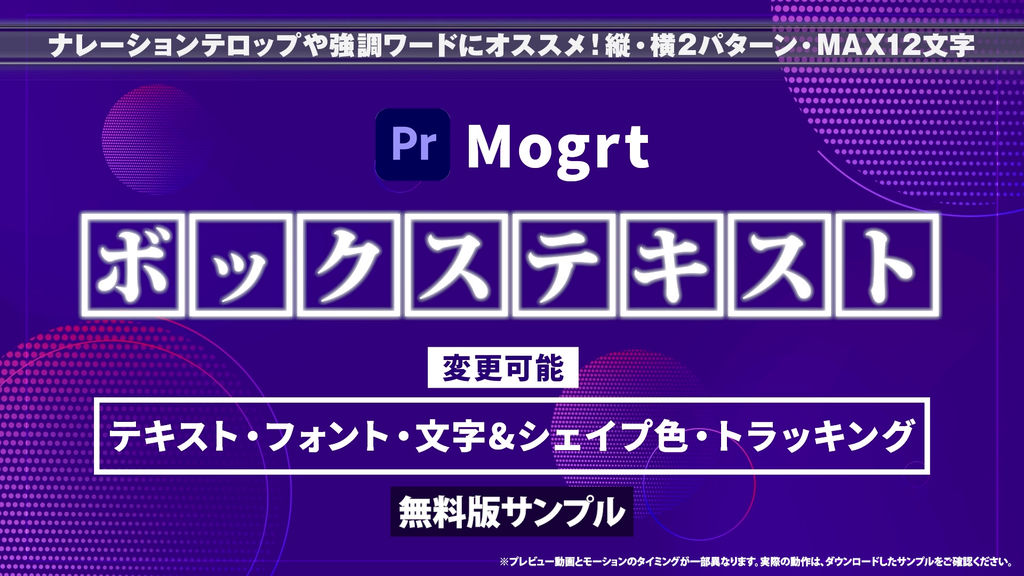
Try BOX TEXT with this free sample pack featuring one horizontal and one vertical box text animation.
Each character is placed inside its own box, with animated wipes that help short phrases stand out.
Replace the text, change fonts and colors, and try the customizable controls in your own editing workflow.
Please note: Animation timing in the free sample differs slightly from the preview video. Download the sample to check its actual animation.
━━━━━━━━━━━━━━
■ Included Templates
━━━━━━━━━━━━━━
・1 horizontal box text animation
・1 vertical box text animation
2 MOGRT templates for Adobe Premiere Pro.
━━━━━━━━━━━━━━
■ Customizable Controls
━━━━━━━━━━━━━━
・Text, font, and text size
・Overall size, position, and text offsets
・Text colors, box color, and outline color
・Tracking, box spacing, and outline width
・Glow radius
Supports up to 12 characters.
━━━━━━━━━━━━━━
■ Explore the Full Collection
━━━━━━━━━━━━━━
Each full pack includes 10 animations:
・Horizontal Vol.01: Basic & Pop
・Horizontal Vol.02: Mixed & Center
・Vertical Vol.01: Basic & Pop
・Vertical Vol.02: Mixed & Center
Explore directional wipes, center-out reveals, and staggered animations for more creative options.
━━━━━━━━━━━━━━
■ How to Use
━━━━━━━━━━━━━━
1. Launch Adobe Premiere Pro.
2. Install the MOGRT files in the Graphics Templates panel.
3. Drag a template onto your timeline.
4. Customize the text and design in the Properties panel.
※ Important: Resizing
Changing the overall size may affect tracking (character spacing).
After resizing, adjust the Tracking parameter to align the characters.
※ Adobe Premiere Pro CC 2026 or later is recommended.
- 코드
- 56490967
- 종류
- 모션 그래픽 템플릿
- 필수 소프트웨어
- Premiere Pro 이상
- 길이
- 00:10
- 크기
- 1920px x 1080px
- 파일 크기
- 385.8 kB
- 라이선스
- 로열티프리(RF)