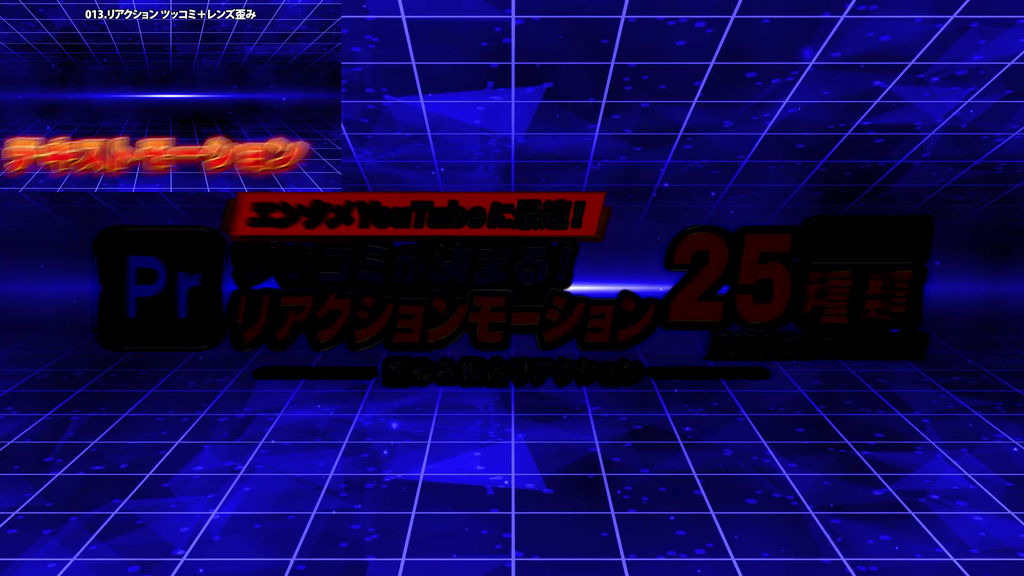
For entertainment YouTube editors!
Make your punchlines pop with reaction motion presets designed for text near the bottom of the screen.
This collection includes 25 effect presets for Adobe Premiere Pro.
Vol.08: Distortion & Combo Reactions
Add distinctive reactions with lens distortion, strong waves, stretching, and stepped pauses. This collection includes 25 presets that combine deformation with energetic movement.
Use them when a line needs a different kind of impact, from an exaggerated response to a follow-up punchline.
━━━━━━━━━━━━━━
■ Features
━━━━━━━━━━━━━━
・Anchor points configured for text near the bottom of the screen
・Combined lens distortion, strong wave stretching, and stepped wave motion
・Each animation returns to its original position, size, and rotation
━━━━━━━━━━━━━━
■ Included Presets: 25 Variations
━━━━━━━━━━━━━━
013. Punchline & Lens Distortion
030. Lens Distortion & Subtle Shake
031. Lens Distortion & Right Swing
032. Lens Distortion & Left Swing
038. Lens Distortion & Zoom Pop
097. Brief Hold & Wave Punch
164. Stepped Wave - Vertical Punch
165. Stepped Wave - Horizontal Punch
166. Stepped Wave - Move Right
167. Stepped Wave - Move Left
168. Stepped Wave - Double Beat
169. Stepped Wave - Vertical-Horizontal Recoil
183. Stepped Wave - Fine-Wave Follow-Up Punch
184. Stepped Wave - Stretching Two-Beat Reaction
185. Vertical Stretch Wave
186. Zoom Wave
187. Vertical Stretch Wave - Short Strong Reaction
188. Vertical Stretch Wave - Strong Undulation
189. Horizontal Stretch Wave - Strong Recoil
190. Intense Wave Shake at Original Size
194. Stepped Vertical Stretch Wave
195. Stepped Horizontal Stretch Wave
198. Vertical Stretch Wave - Two-Stage Punch
199. Horizontal Stretch Wave - Two-Stage Punch
200. Stepped Wave - Vertical-Horizontal Stretch Recoil
Note: Preset numbers are shared across the full series. Although the numbering is not consecutive, this collection contains 25 presets.
━━━━━━━━━━━━━━
■ How to Use
━━━━━━━━━━━━━━
1. Launch Premiere Pro.
2. Open the Effects panel menu and select “Import Presets…”.
3. Import the downloaded preset file.
4. Drag and drop your preferred preset onto a text clip in the timeline.
This collection uses only effects included with Premiere Pro.
- 코드
- 56464455
- 종류
- 프리미어 프로 이펙트 프리셋
- 필수 소프트웨어
- Premiere Pro 이상
- 파일 크기
- 21.8 kB
- 라이선스
- 로열티프리(RF)