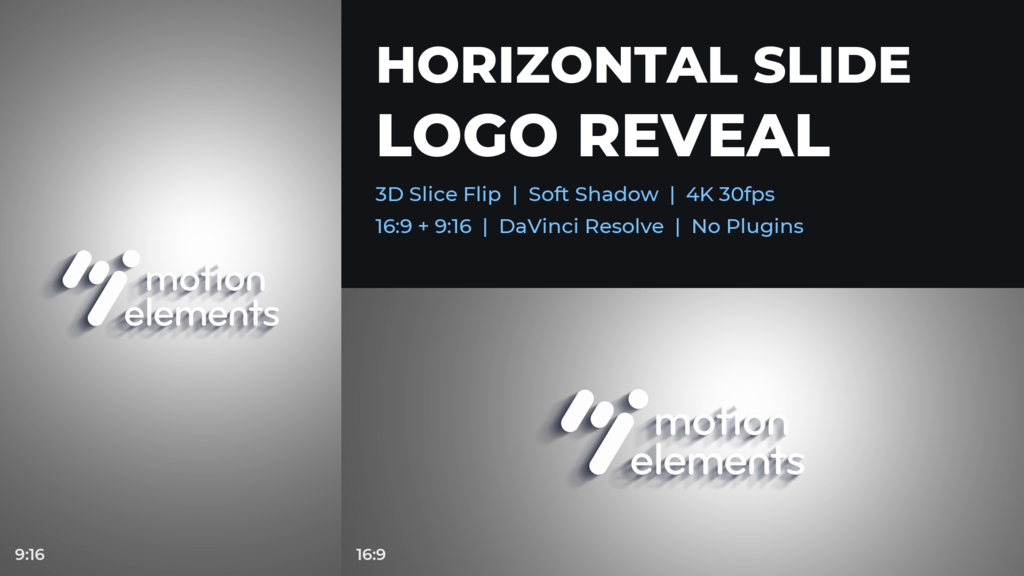
A logo animation for DaVinci Resolve: the logo is cut into horizontal slices that flip into place one after another from the top, while the camera slowly pushes in and a long shadow settles.
Landscape (16:9) and vertical (9:16) 4K timelines are included in one project.
Built entirely with Fusion's built-in tools.
Features
- 3840x2160 (16:9) and 2160x3840 (9:16), 30 fps, 6 sec, 2 timelines
- Replace the logo once in the media pool (Replace Clip); both timelines update, and the animation follows the shape and size of your logo
- One "Control" node in Fusion: Logo size / position, slice order / size, timing, camera push, shading, shadow (on / off, color, opacity, length), background (on / off, color, vignette)
- Background included; turn it off for a transparent overlay or a ProRes 4444 render with alpha
- No plug-ins
- Created with DaVinci Resolve Studio 21.1.1 | Tested on the free version
- Tutorial PDF and readme (JP/EN) included
Music not included.
- Kod
- 56714073
- Rodzaj
- DaVinci Resolve template
- Required software
- DaVinci Resolve
- File size
- 633.5 kB
- Licencja
- Royalty-free
- Pola funkcyjne logo
- 1