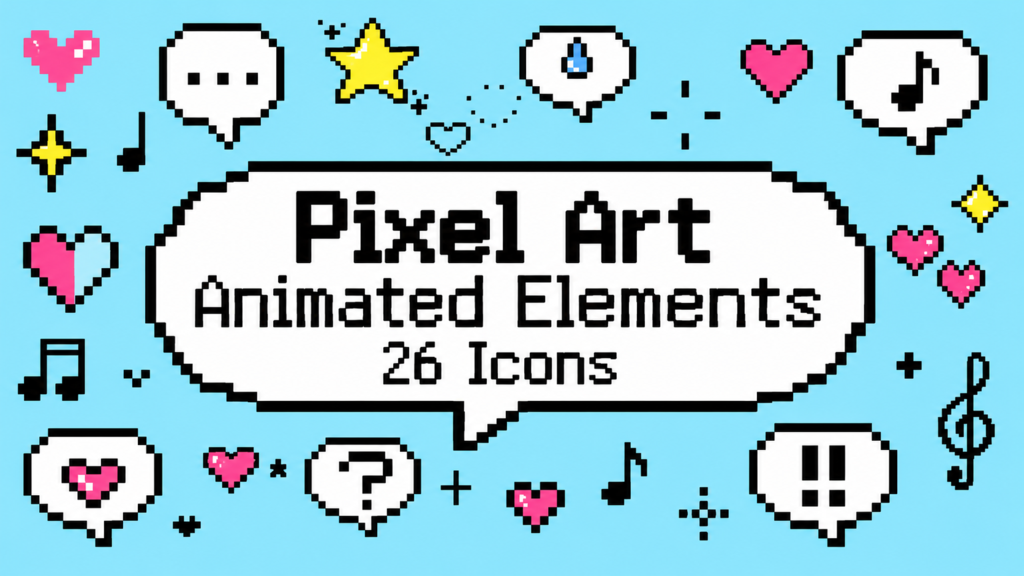
■ System Requirements
・Created with Adobe After Effects 26.3.0
・Compatibility with older versions is not guaranteed.
・We recommend using the latest version of After Effects.
■ Package Contents & Specs
・26 compositions total (26 icon types: Speech Bubbles ×6 / Hearts ×8 / Sparkles ×8 / Music Notes ×4)
・Main composition: 1 (1920×1080, Full HD)
・Each icon composition: 1000×1000 / 3 seconds
・Frame rate: 24fps (drawn on 4s / effectively 6fps)
■ Features
・Change colors with one click from the "control" layer (the "color" layer for the music note icons only) — Fill Color / Light Color / Line Color / Color, etc. (available options vary by icon)
・Each icon has its own composition, so they can be freely combined
・No plugins required — works with standard After Effects features only
■ How to Use
Open the "Project" panel and select the icon composition you want to use from the following folders: "01_Pixel Art Speech Bubble Set" / "02_Pixel Art Heart Set" / "03_Pixel Art Sparkle Set" / "04_Pixel Art Music Note Set". Copy and paste it into your own project.
Use the "control" layer inside the selected composition to change the color.
To adjust size, angle, or position, use the Transform properties (Position / Scale / Rotation) on the same "control" layer.
- Code
- 56081427
- Type
- After Effects template
- Required software
- After Effects & above
- File size
- 1.5 MB
- License
- Royalty-Free