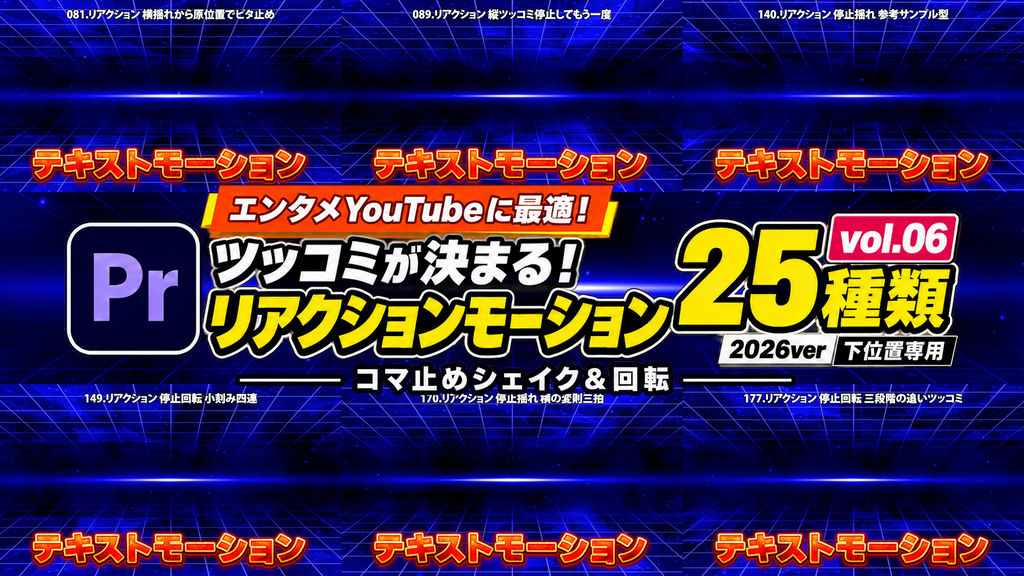
English Description
For entertainment YouTube editors!
Make your punchlines pop with reaction motion presets designed for text near the bottom of the screen.
This collection includes 25 effect presets for Adobe Premiere Pro.
Vol.06: Stepped Shakes & Rotation
Create a sense of timing with reactions that pause briefly before moving again. These 25 presets use stepped movement for shakes, diagonal reactions, head turns, and follow-up punches.
Add deliberate pauses and rhythmic accents to comedic dialogue.
━━━━━━━━━━━━━━
■ Features
━━━━━━━━━━━━━━
・Anchor points configured for text near the bottom of the screen
・Stepped position and rotation changes with deliberate pauses
・Each animation returns to its original position, size, and rotation
━━━━━━━━━━━━━━
■ Included Presets: 25 Variations
━━━━━━━━━━━━━━
081. Horizontal Shake & Snap Back to Origin
089. Vertical Punch - Pause & Repeat
090. Horizontal Punch - Pause & Repeat
091. Hold Right & Swing Back
092. Hold Left & Swing Back
140. Stepped Shake - Classic Pattern
141. Stepped Shake - Strong Horizontal Reaction
142. Stepped Shake - Strong Vertical Reaction
143. Stepped Shake - Right Diagonal Reaction
144. Stepped Shake - Left Diagonal Reaction
145. Stepped Shake - Four-Direction Pattern
146. Stepped Rotation - Head Shake from Right
147. Stepped Rotation - Head Shake from Left
148. Stepped Rotation - Double Punch
149. Stepped Rotation - Four Quick Hits
150. Stepped Rotation - Right Diagonal Hop
151. Stepped Rotation - Left Diagonal Hop
170. Stepped Shake - Irregular Horizontal Triple Beat
171. Stepped Shake - Irregular Vertical Triple Beat
172. Stepped Shake - Short Right Diagonal Hit
173. Stepped Shake - Short Left Diagonal Hit
174. Stepped Shake - Small Square Loop
175. Stepped Rotation - Right Head Shake with Pause
176. Stepped Rotation - Left Head Shake with Pause
177. Stepped Rotation - Three-Stage Follow-Up Punch
Note: Preset numbers are shared across the full series. Although the numbering is not consecutive, this collection contains 25 presets.
━━━━━━━━━━━━━━
■ How to Use
━━━━━━━━━━━━━━
1. Launch Premiere Pro.
2. Open the Effects panel menu and select “Import Presets…”.
3. Import the downloaded preset file.
4. Drag and drop your preferred preset onto a text clip in the timeline.
This collection uses only effects included with Premiere Pro.
- Code
- 56464448
- Type
- Premiere Pro 效果預設
- Required software
- Premiere Pro & above
- File size
- 11.9 kB
- License
- Royalty-Free