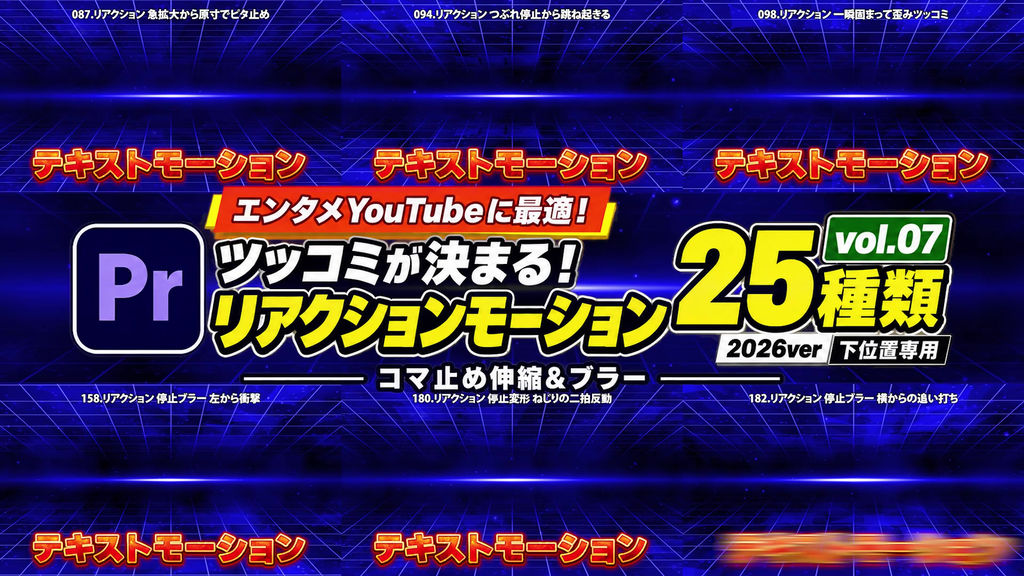
For entertainment YouTube editors!
Make your punchlines pop with reaction motion presets designed for text near the bottom of the screen.
This collection includes 25 effect presets for Adobe Premiere Pro.
Vol.07: Stepped Stretch & Blur
Combine stretching, squashing, scaling, and blur with a stepped rhythm. These 25 presets make changes in motion stand out through brief holds, anticipation, rebounds, and directional impacts.
Use them for bold punchlines and playful exaggerated reactions.
━━━━━━━━━━━━━━
■ Features
━━━━━━━━━━━━━━
・Anchor points configured for text near the bottom of the screen
・Stepped stretching, scaling, deformation, and directional blur impacts
・Each animation returns to its original position, size, and rotation
━━━━━━━━━━━━━━
■ Included Presets: 25 Variations
━━━━━━━━━━━━━━
080. Vertical Shake & Snap Back to Origin
087. Rapid Zoom & Snap Back to Original Size
093. Hold Enlarged & Follow-Up Punch
094. Hold Squashed & Spring Up
095. Hold Vertical Stretch & Switch to Horizontal
096. Hold Horizontal Stretch & Switch to Vertical
098. Brief Hold & Distortion Punch
116. Hold Distorted & Rebound Sideways
152. Stepped Deformation - Vertical Stretch Recoil
153. Stepped Deformation - Horizontal Stretch Recoil
154. Stepped Deformation - Compression & Rebound
155. Stepped Deformation - Alternating Vertical-Horizontal Pattern
156. Stepped Deformation - Double Zoom Hit
157. Stepped Deformation - Shrink & Rebound Larger
158. Stepped Blur - Impact from Left
159. Stepped Blur - Impact from Right
160. Stepped Blur - Impact from Above
161. Stepped Blur - Impact from Below
162. Stepped Blur - Impact from Upper Right
163. Stepped Blur - Impact from Upper Left
178. Stepped Deformation - Vertical Anticipation & Bounce
179. Stepped Deformation - Horizontal Anticipation & Bounce
180. Stepped Deformation - Two-Beat Twist Recoil
181. Stepped Deformation - Four-Step Zoom Punch
182. Stepped Blur - Horizontal Follow-Up Hit
Note: Preset numbers are shared across the full series. Although the numbering is not consecutive, this collection contains 25 presets.
━━━━━━━━━━━━━━
■ How to Use
━━━━━━━━━━━━━━
1. Launch Premiere Pro.
2. Open the Effects panel menu and select “Import Presets…”.
3. Import the downloaded preset file.
4. Drag and drop your preferred preset onto a text clip in the timeline.
This collection uses only effects included with Premiere Pro.
- Code
- 56464453
- Type
- Premiere Pro 效果預設
- Required software
- Premiere Pro & above
- File size
- 13 kB
- License
- Royalty-Free